A Samsung Frame TV alternative for the screen you own
Compare a $49 one-time art USB with a new Samsung Frame TV and the Art Store subscription. Check costs, features and USB compatibility.
Start with what you want to change
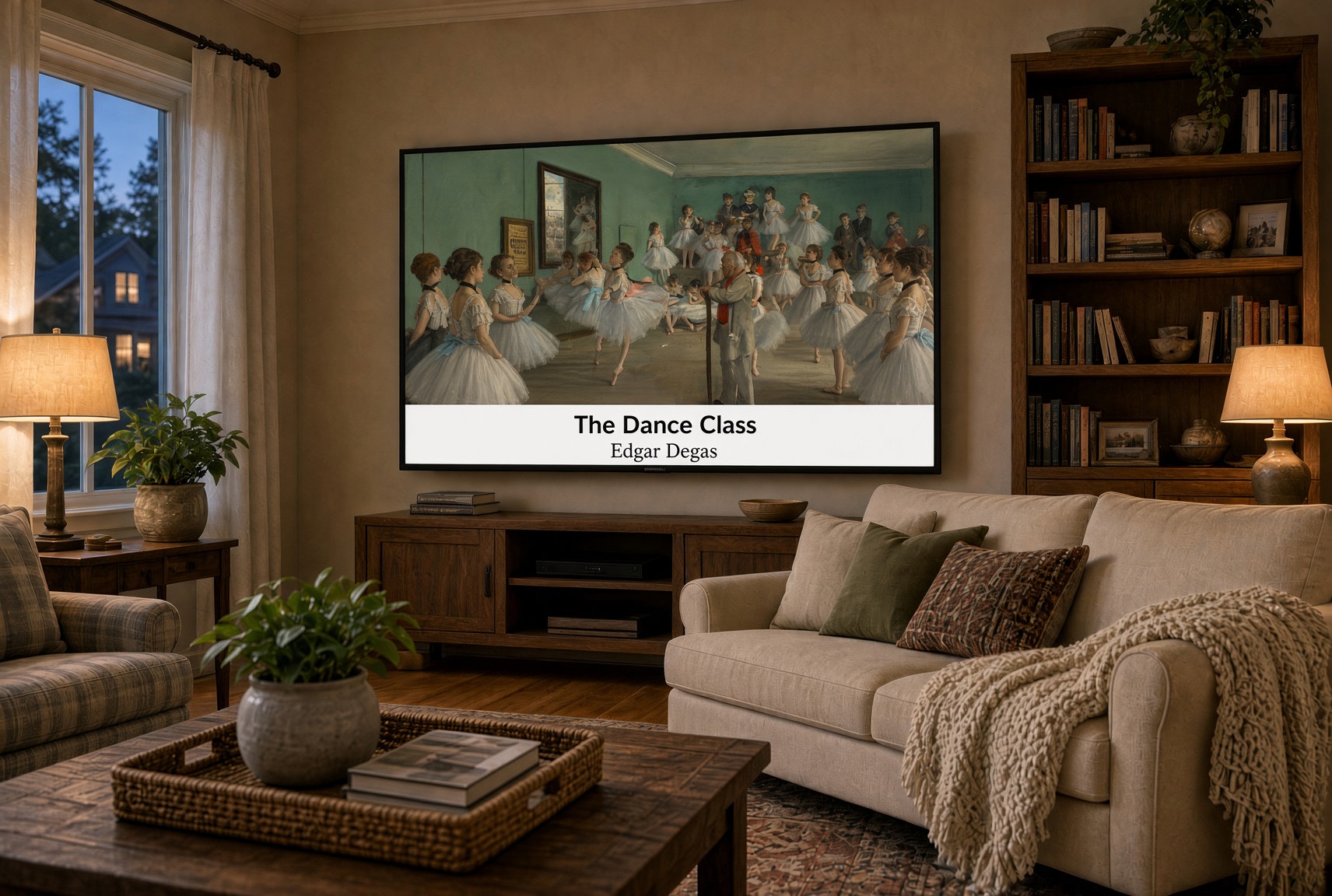
If the goal is to replace a blank screen with paintings, your current television may already have a USB photo player. Family Gallery provides the artwork on a prepared drive for $49. If you also want a new television with a frame-style design and dedicated Art Mode, Samsung The Frame offers hardware features a USB cannot add.
| Option | Cost example | What you get | What you need |
|---|---|---|---|
| Samsung The Frame | $1,000+; 2026 55-inch model $1,199.99 | A television designed around Art Mode, a glare-reducing display and frame-style installation | A new TV purchase; optional accessories and paid art services may add cost |
| Samsung Art Store | About $5/month ($4.99 advertised) | Subscription access to Samsung’s changing art catalog | A supported Samsung TV, account and internet connection; hardware is separate |
| Family Gallery TV Art USB | $49 once | 1,000+ captioned classic paintings stored locally; no Family Gallery subscription or ads | An existing TV with USB JPEG slideshow support, or a compatible photo frame |
Comparison checked October 6, 2026. Samsung lists the 2026 55-inch Frame at $1,199.99; its September 2026 Art Store announcement quotes $4.99/month plus taxes and fees. Prices, promotions and available features can change. Sources: Samsung 55-inch Frame and Samsung Art Store announcement. Check the current offers before purchasing.
The Frame and Art Store are different purchases
The Frame is the television. Art Store is an optional content service for supported Samsung TVs. You do not have to subscribe to Art Store just to display your own images on a compatible Frame; Samsung also documents personal photo imports. Some free art is available, too. Comparing all three helps separate the cost of the screen from the cost of its art.
What the $49 USB does well
Family Gallery gives you a local collection of landscapes, portraits and still lifes, each labeled with title and artist. There is no Family Gallery account, app, monthly payment or advertising in the files. USB playback does not need Wi-Fi once the television’s player is available. Use what you already own and avoid replacing a working screen solely to display art.
What depends on your television
A USB cannot add a matte display, motion sensor, wall-mount design, automatic brightness control or dedicated low-power Art Mode. Your TV controls slideshow intervals, looping, picture brightness and power consumption. A normal photo slideshow may run only while the TV is on and must be started manually. Read the manufacturer’s screen-care guidance.
Choose your next step
If your current screen works well, check its USB slideshow support and follow the setup guide. If you are already replacing a television, compare its display and installation features as well as art options. The collection is an independent product and is not affiliated with Samsung.
Make Life Beautiful
1,000+ captioned classic paintings. $49 once.
Check TV compatibility before ordering →