The best slideshow speed depends on what you want the art to do. A quick pace helps you explore a new collection. A slower pace lets a painting become part of the room. For a family conversation, the best setting may be no automatic timing at all: pause on one image and stay there.
There is no universal perfect interval, and televisions offer different controls. Use the ranges below as starting points, then run the simple room test before settling on a pace.
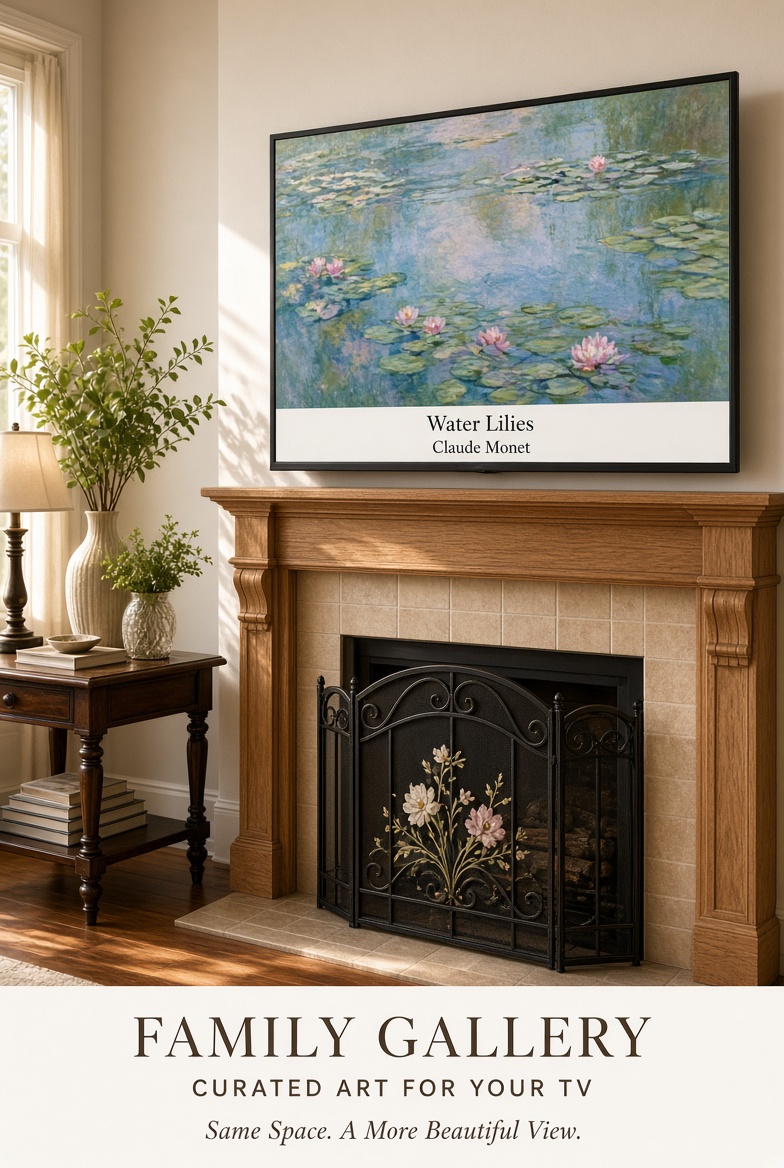
Choose a pace for the way you are using the TV
15–30 seconds: browse and discover
Start here when you are seeing a group of paintings for the first time or trying to find a favorite. The faster pace keeps the gallery moving, but it may be too quick to read a caption and study details comfortably. Treat it as a browsing mode rather than an everyday setting.
45–90 seconds: everyday art in the room
This is a useful starting range for a living room, kitchen or gathering space. It gives people time to notice the subject, read the title and artist caption, and look again before the next painting appears. If changes still pull your attention away from conversation, lengthen the interval.
Two to five minutes: slow looking
A longer interval works when the screen is close to your seating area or when you want each image to settle into the room. It is also helpful for noticing composition, color and small details. The tradeoff is variety: you will see fewer paintings during the same amount of time.
Pause: conversation or a favorite painting
If your TV player includes pause, use it when a painting starts a conversation or simply suits the room that day. A paused slideshow is also the easiest way to use the five Family Art Night questions without watching the image change midway through an answer.
Try the five-painting room test
- Begin with a 60-second interval, if your TV offers it.
- Let five paintings play without standing beside the screen.
- Notice whether the change feels welcome, distracting or almost invisible.
- Ask whether there was enough time to read the caption without rushing.
- Shorten the interval for more discovery, or lengthen it for a calmer display.
Test from the seat you normally use. A caption that is easy to read near the television may take longer from across the room. Lighting, screen size and the amount of activity in the space can all change how the same interval feels.
What if your TV does not offer a timing choice?
Some built-in photo players use a fixed speed or offer only broad labels such as slow, normal and fast. Choose the slowest comfortable option and judge it in the room. If the available controls are limited, pause on a favorite when possible. Do not assume that instructions for another model—even from the same brand—will match your menus.
For help locating the USB photo player and slideshow controls, start with our guide to displaying art on a TV. Before ordering, check the USB JPEG slideshow compatibility guide for a quick test using your own photo.
Keep captions readable
A timing setting should allow enough time to see both the painting and its caption. If you routinely miss the title or artist, slow the slideshow rather than rushing to read. Avoid display modes that zoom or crop the image, because they may remove edges or caption information. Look for a fit, contain or original-size option when your TV provides one.
Make one setting your default
After testing, choose one everyday pace and leave it alone for a week. Constant adjustment makes the screen feel like another device to manage. You can still switch to a faster browse when choosing favorites or pause for a closer look.
An easy way to begin
The Family Gallery TV USB includes 1,000+ captioned classic paintings for $49 once, with no Family Gallery app or subscription. The television’s own photo player controls the slideshow, so available timing and playback settings depend on the TV.
Purchase the Family Gallery TV Art USB on Etsy, or email help@familygallerytv.com with a playback question.
Make Life Beautiful at the pace that feels right in your room.